Q2:
Scaling an Evolving Fintech Brand Across the Web
Applying a newly developed design system across Q2’s website to support shifting product messaging and a cohesive digital rollout.
Company
Q2 is a leading provider of cloud-based digital banking, lending, and fintech solutions for banks, credit unions, and finance companies.
Overview
Industry: Fintech / Digital Banking Software
Timeline: October – December 2023
Team: Creative Director, internal marketing and design team, copywriters
My Role
Contract Web Figma Production Designer
I joined Q2’s internal marketing team to support a large-scale website refresh, helping apply a newly developed brand and UI system across web pages in Figma. My role focused on translating external guidelines into polished, launch-ready designs, creating supporting UI components, refining dense content into clearer page modules, and collaborating closely with other designers to keep the experience cohesive across the site.
Project Summary
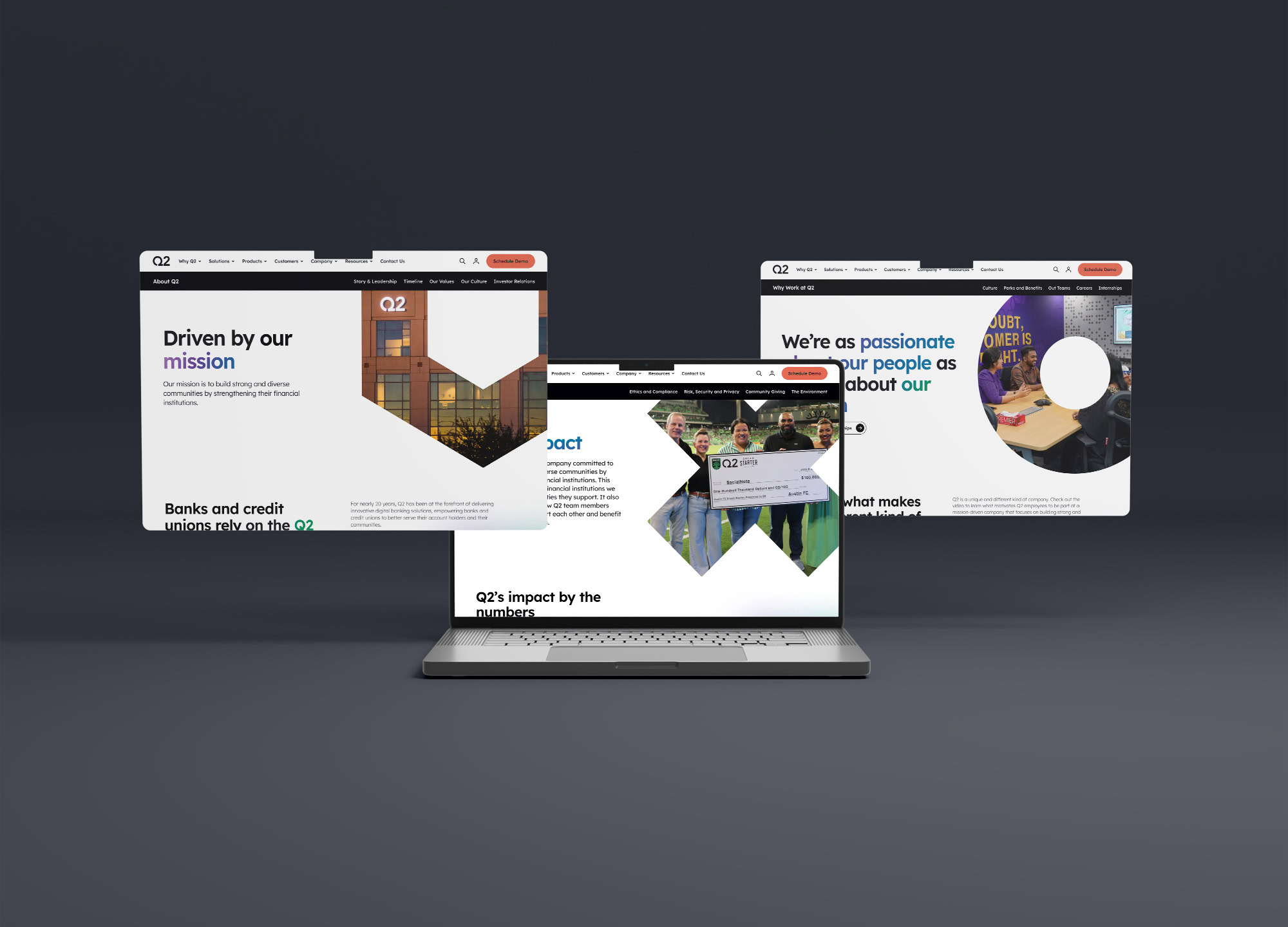
Q2 was refining how its products and solutions were presented across the website as part of a broader shift in product branding and messaging. The marketing team partnered with an outside source to create a new visual direction, and I joined the project to help apply that system across the site—translating the new guidelines into polished, user-friendly page designs that supported a cohesive rollout.
The Challenge
The biggest challenge was working within a design system that was still evolving while maintaining consistency across a large, multi-designer effort. The project moved quickly in agile design sprints, with tight deadlines, frequent stakeholder reviews, and ongoing shifts in messaging, content, and visual direction. With multiple designers contributing across the site, it was important to stay closely aligned so the final experience felt cohesive and unified.
The Strategy
My approach was to treat the design system as both a guide and a working framework.
I started by carefully studying the new brand guidelines, UI components, and page patterns that had already been established. From there, I focused on applying that system thoughtfully rather than mechanically—using design judgment to determine how content should flow, where hierarchy needed to be clarified, and when additional modules were necessary to improve readability or engagement. I paid close attention to in-progress work across the team, participated in recurring meetings, and used those conversations to validate decisions, raise questions early, and ensure that the pages I was designing stayed in sync with the broader rollout.
The Process
Phase 1: Learning the System
The first step was getting familiar with the updated visual language and understanding how the new guidelines were meant to work across the site. Because the direction had already been developed, it was important to quickly absorb the components, page patterns, and design rules so I could apply them consistently within Q2’s existing web ecosystem.
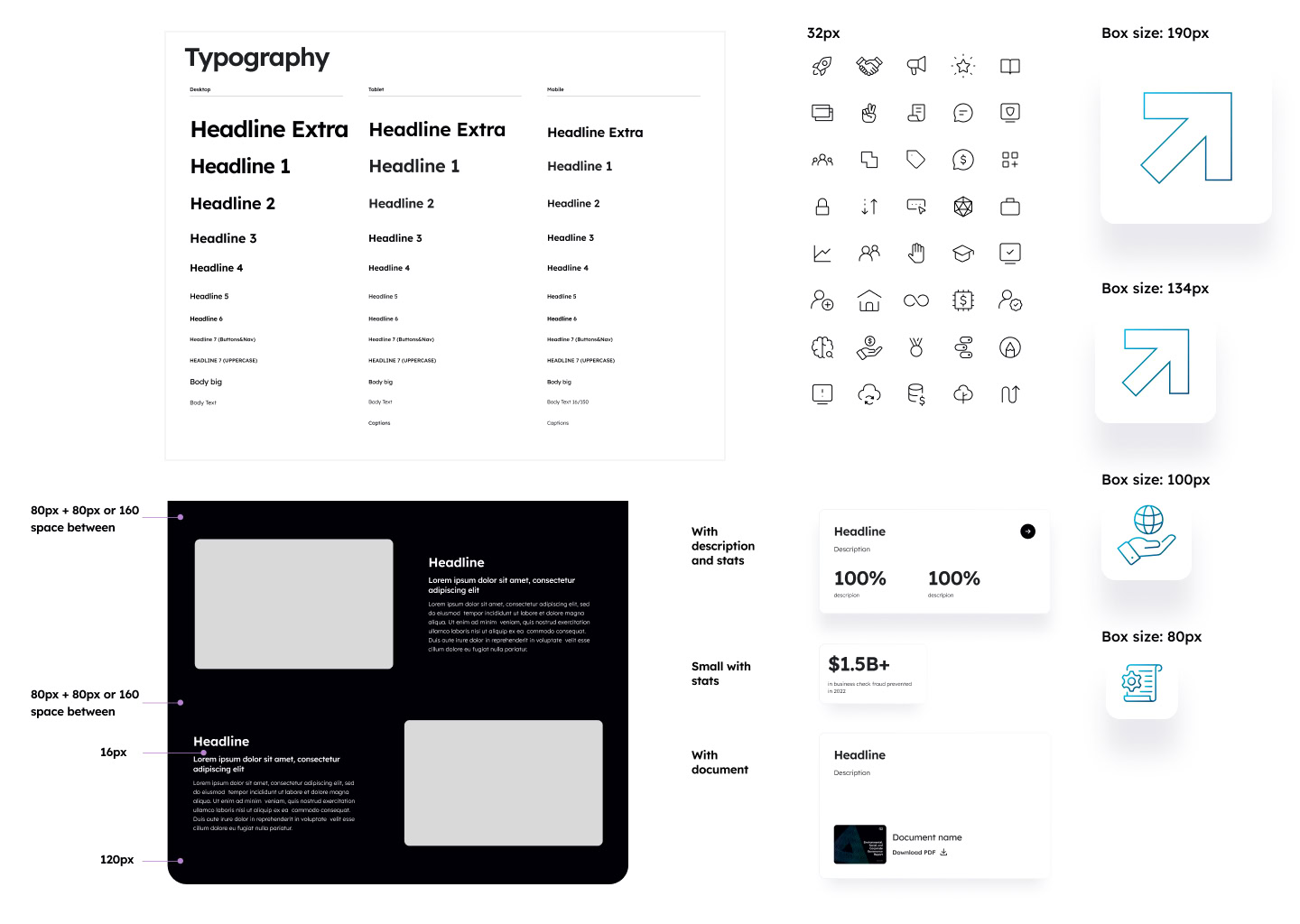
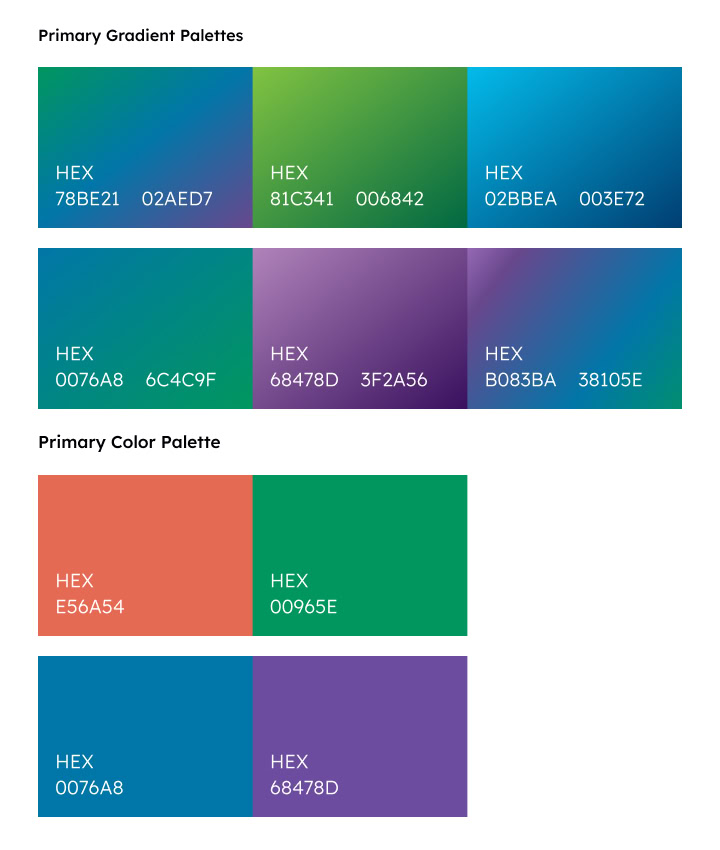
Selected guideline sections created by Q2’s marketing team and external partners, highlighting a small sample of the visual system used across the larger website rollout.
Phase 2: Applying the System Across the Site
With the framework in place, I began designing and updating pages in Figma, translating the new visual system into polished, user-friendly layouts. This included applying the updated brand to existing content, restructuring dense sections for clarity, and creating supporting UI modules as needed to keep the experience cohesive, scalable, and aligned with the broader rollout.
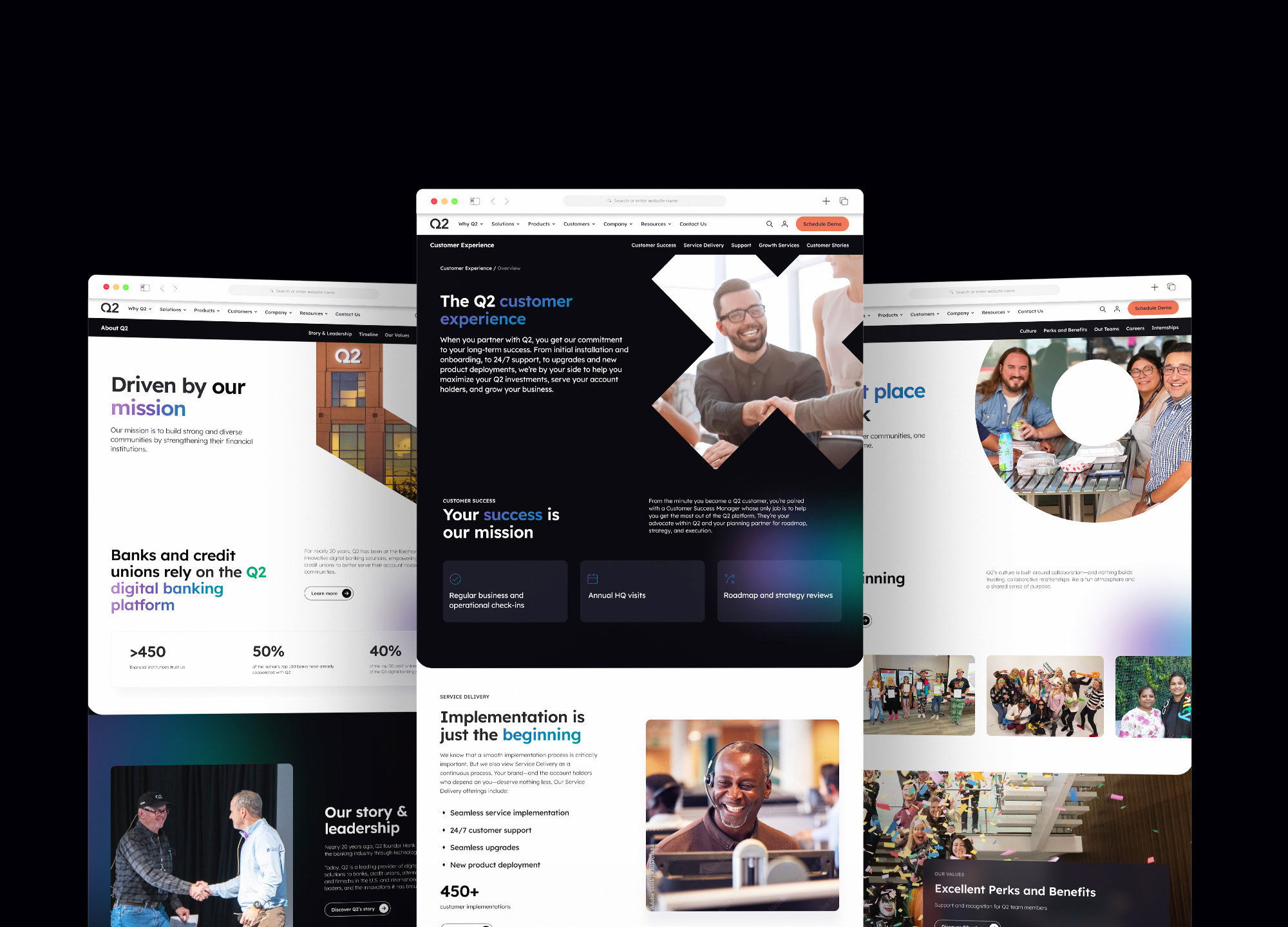
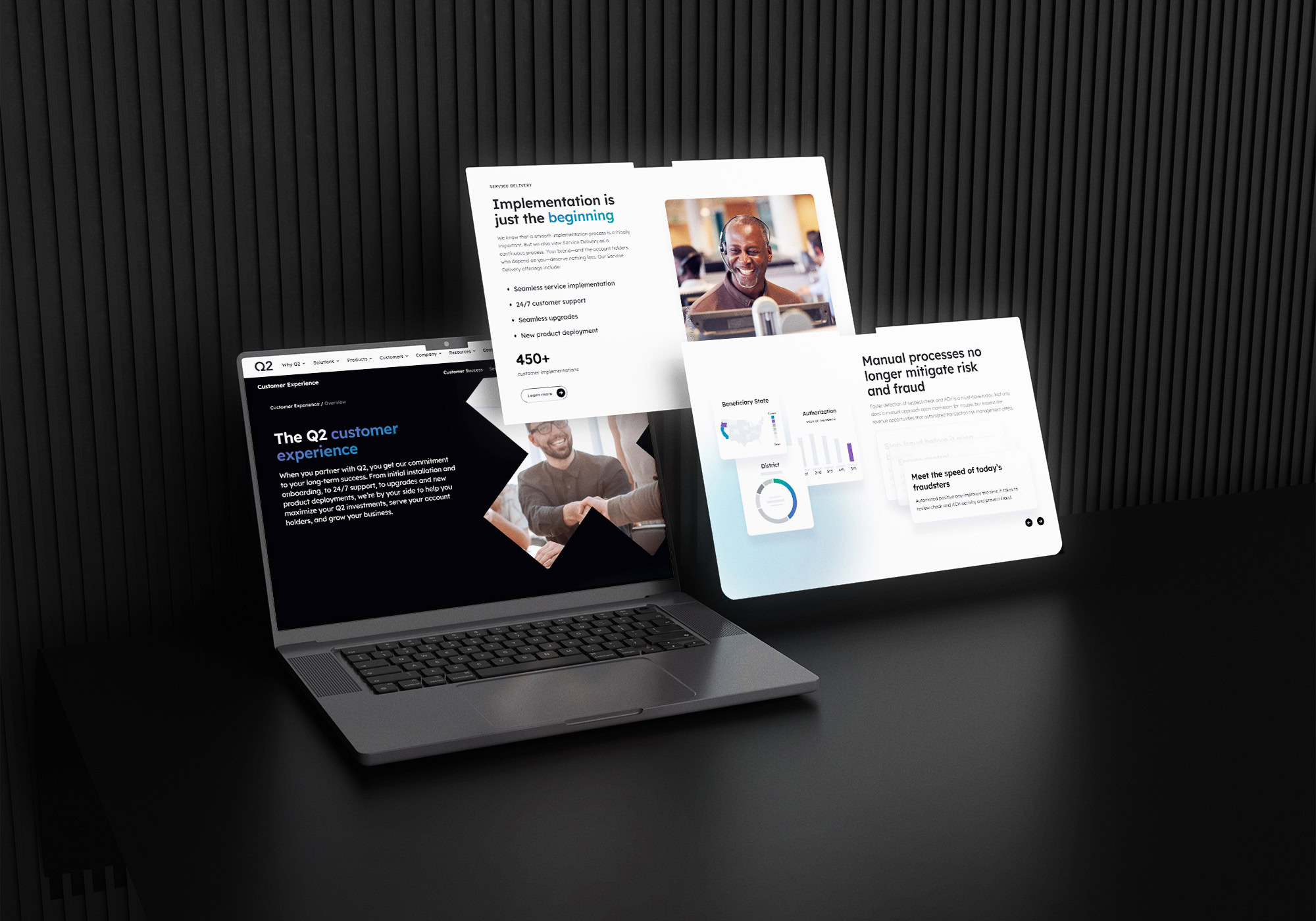
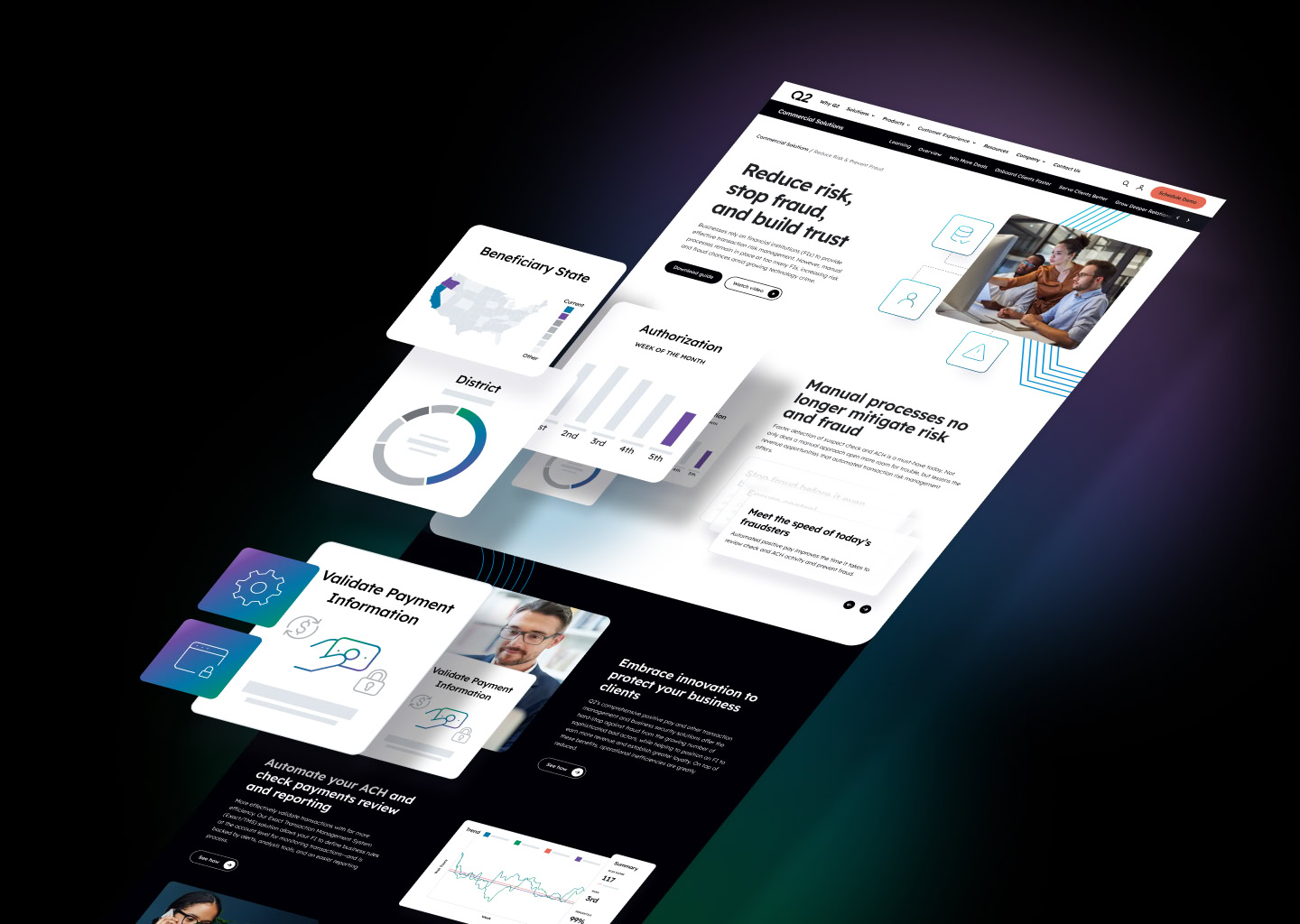
Custom UI widgets created to simplify legacy product screens into clearer, more digestible visual elements. Shown here within the overall page design, these modules helped communicate product functionality, workflows, and feature highlights more clearly.
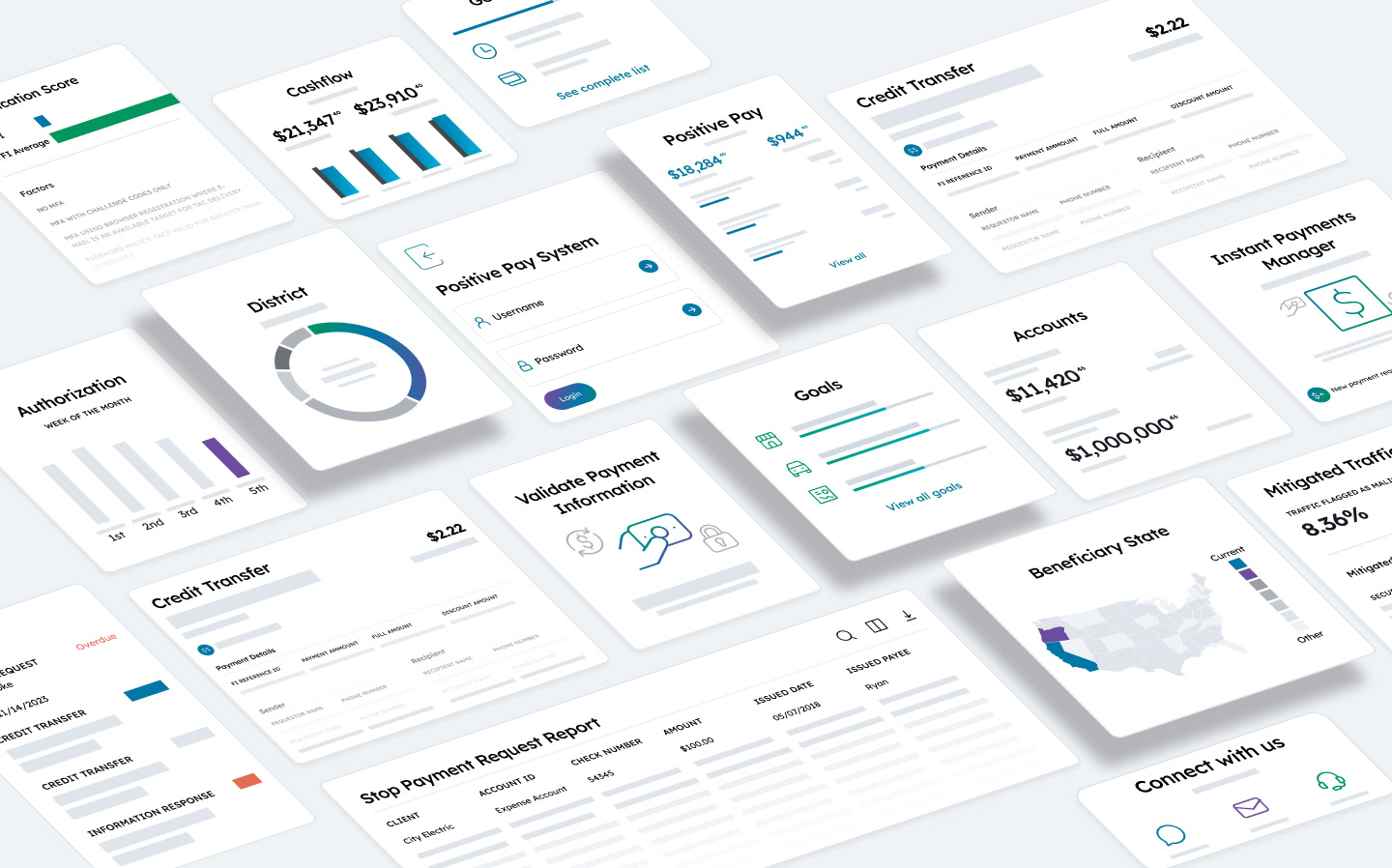
A selection of custom UI widgets and screens designed to translate older product interfaces into simpler, easier-to-read visual elements. Created in a more neutral, abstract style, these modules helped communicate how the product worked without relying on literal software screenshots.
Results
While I did not have access to performance metrics, the outcome was a polished, highly coordinated web rollout that reflected a significant elevation in visual consistency and brand maturity.
The final work showed the value of having a strong system in place: multiple designers were able to contribute across a large body of pages while maintaining a cohesive look and feel. From a design standpoint, the updated site presented Q2’s products and messaging in a way that felt more modern, organized, and intentional.
This project also demonstrated how effective creative leadership, clear design guardrails, and strong team coordination can make large-scale brand implementation possible—even when timelines are tight and the direction is still evolving.
Reflections
This project was a great reminder that production design, at its best, is not just about execution—it is about judgment, consistency, and the ability to work inside complexity without losing the integrity of the system.
I especially appreciated the collaborative nature of this team and the leadership guiding the work. It was one of those projects where the structure behind the scenes was just as impressive as the final design output. I learned a great deal from seeing how a strong creative direction could be translated across a large enterprise site through thoughtful systems, organized workflows, and close collaboration.
It was one of my favorite teams to support, and a project that reinforced how much I enjoy working on large-scale brand and web initiatives with experienced in-house teams.